Description
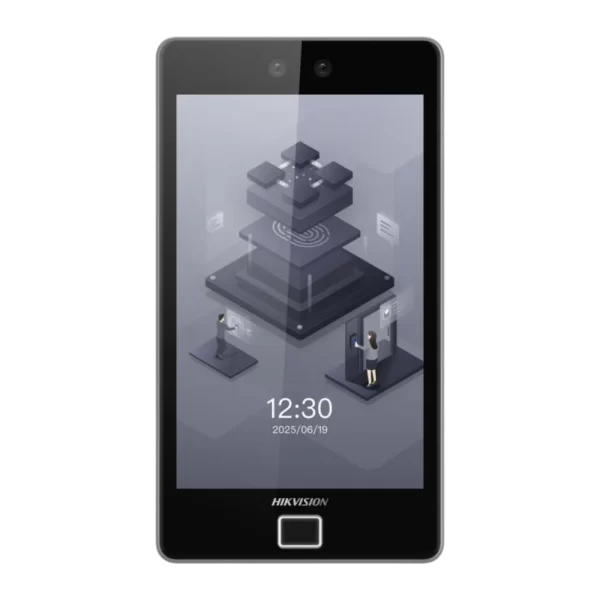
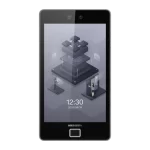
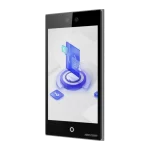
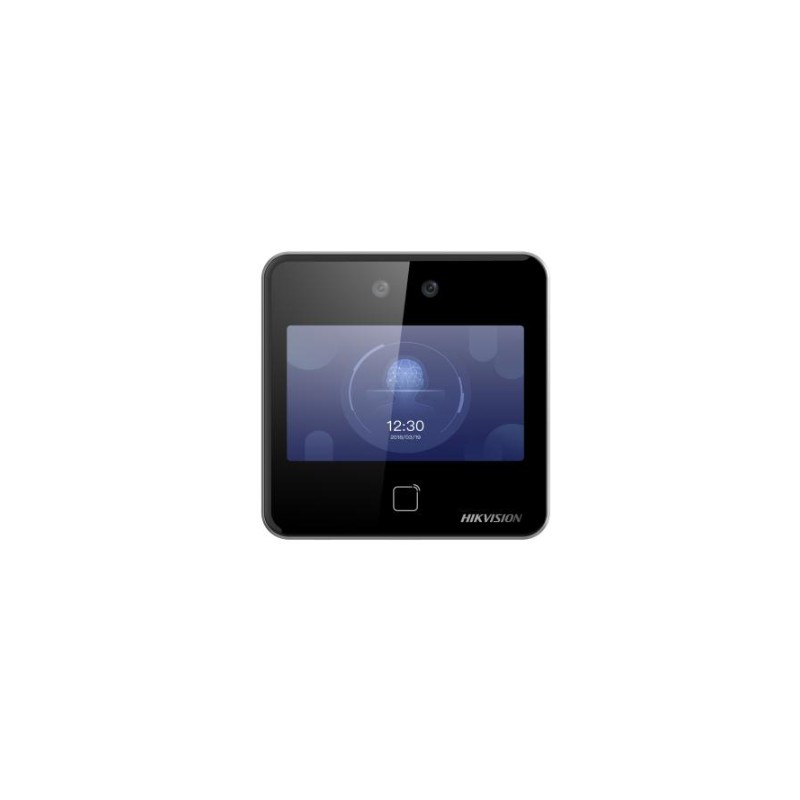
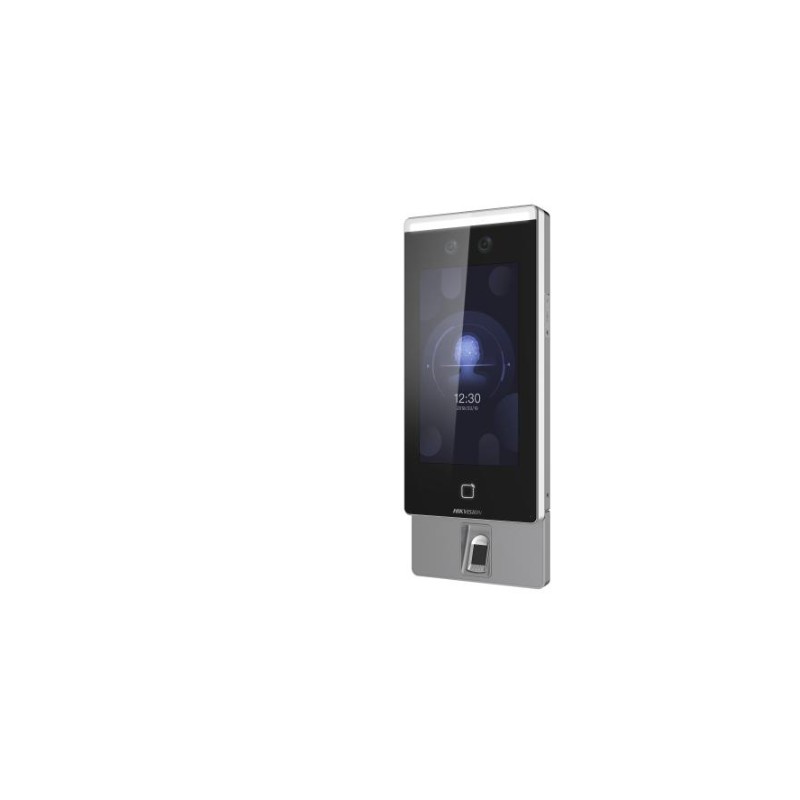
Safety Source is Hikvision’s agent in Egypt for access control and entrance control systems. This page covers the Hikvision DS-K1T680DFW Ultra Series Wall-Mounted Face Access Terminal, with its key features, full specifications and downloadable documents. Contact us for pricing, technical consultation and installation.
Key Features
- 8-inch touch screen with bezel-less design
- Presents card on the screen to authenticate
- Face recognition distance: 0.3 m to 3 m, duration < 0.2 s/User, accuracy rate ≥ 99%
- 100,000 face capacity, 100,000 card capacity (Felica, DESfire, M1), 10,000 fingerprint capacity, and 150,000 event capacity
- Supports ISAPI, ISUP 5.0, Wiegand, RS-485, TCP/IP, Wi-Fi
- Two-way audio with indoor station and main station
- Configuration via the web client and mobile client
- Customizes attendance status name
Display
| Screen size |
8 inch |
| Operation method |
Capacitive touch screen |
| Type |
LCD |
Video
| Lens |
2 |
| Resolution |
2 MP |
| FOV |
HFOV = 88°; VFOV = 44°; DFOV = 108° |
Network
| Wired network |
Support |
| Wi-Fi |
Support, 2.4 G, 802.11b/g/n |
Interface
| Network interface |
1 RJ-45, 10/100/1000 M self-adaptive |
| Lock control |
1 |
| Exit button |
1 |
| Door contact input |
1 |
| Alarm input |
2 |
| Alarm output |
1 |
| TAMPER |
1 |
| RS-485 |
1 RS-485 (Half duplex, HIKVISION) |
| Wiegand |
1 Wiegand(Hik 26bit,Hik 34bit) |
| USB |
1 |
Authentication
| Card type |
DESfire card;Felica card |
General
| Power supply |
12 VDC to 24 VDC, 3 A |
| Working temperature |
-30 °C to 60 °C (-22 °F to 140 °F) |
| Working humidity |
0 to 90% (No condensing) |
| Protective level |
IP65 |
| Dimensions |
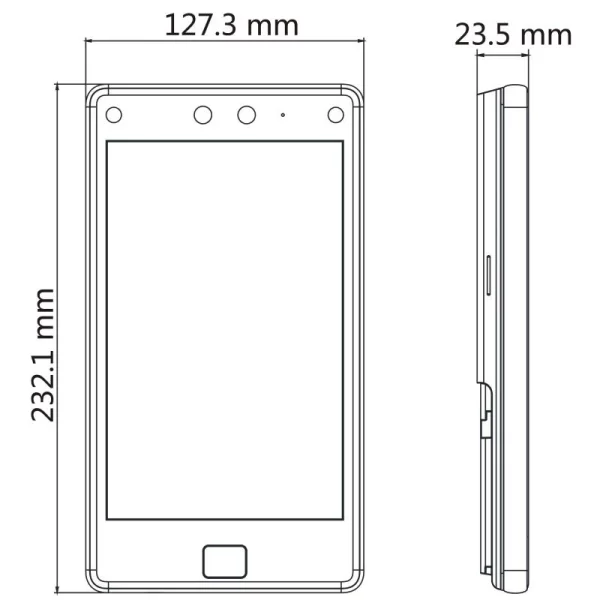
127.3 mm × 232.1 mm × 23.5 mm (5.0” × 9.1” × 0.9” ) |
Function
| Hik-Connect |
Support |
| Language |
English, Thai, Brazilian Portuguese, Russian, Spanish, Arabic, Japanese, Ukrainian, and Indonesian |
| QR code recognition |
Support. The dimension of the recognized QR code picture should be larger than 6 cm × 6 cm. |
| Face anti-spoofing |
Support |
Download data sheet Quick start guide User manual