Description
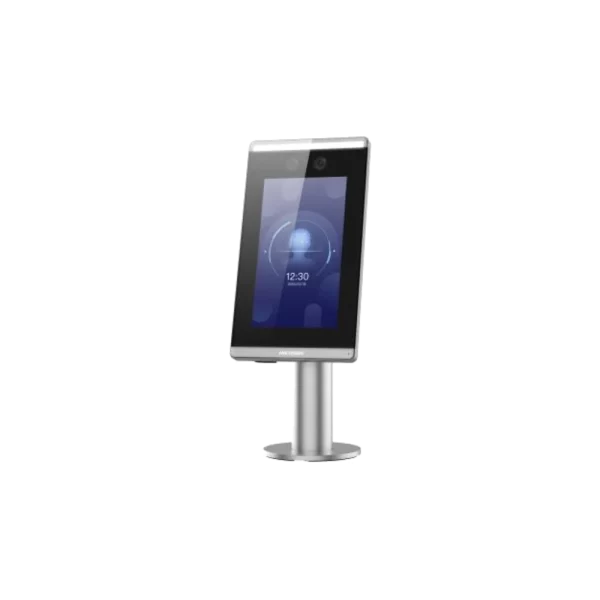
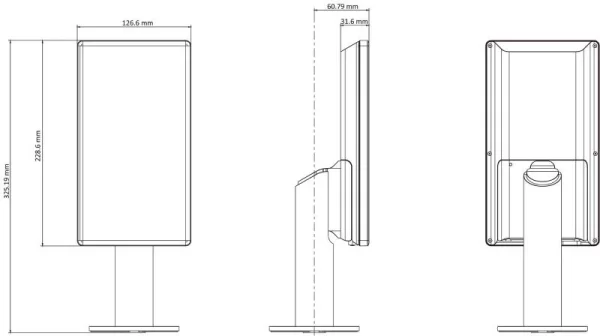
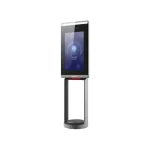
Safety Source is Hikvision’s agent in Egypt for access control and entrance control systems. This page covers the Hikvision DS-K5671-ZU Face Recognition Module for Turnstiles, with its key features, full specifications and downloadable documents. Contact us for pricing, technical consultation and installation.
Key Features
- Forced mask wearing alert: if the recognized person is not wearing a mask, the device plays a voice prompt and the authentication or attendance fails
- Mask wearing alert: if the recognized person is not wearing a mask, the device plays a voice prompt; the authentication or attendance remains valid
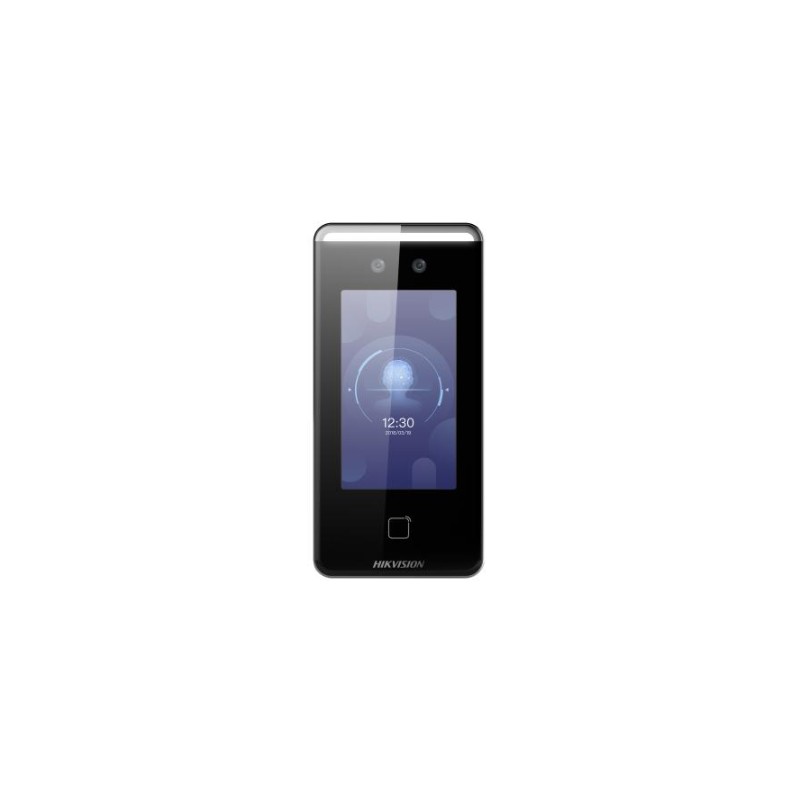
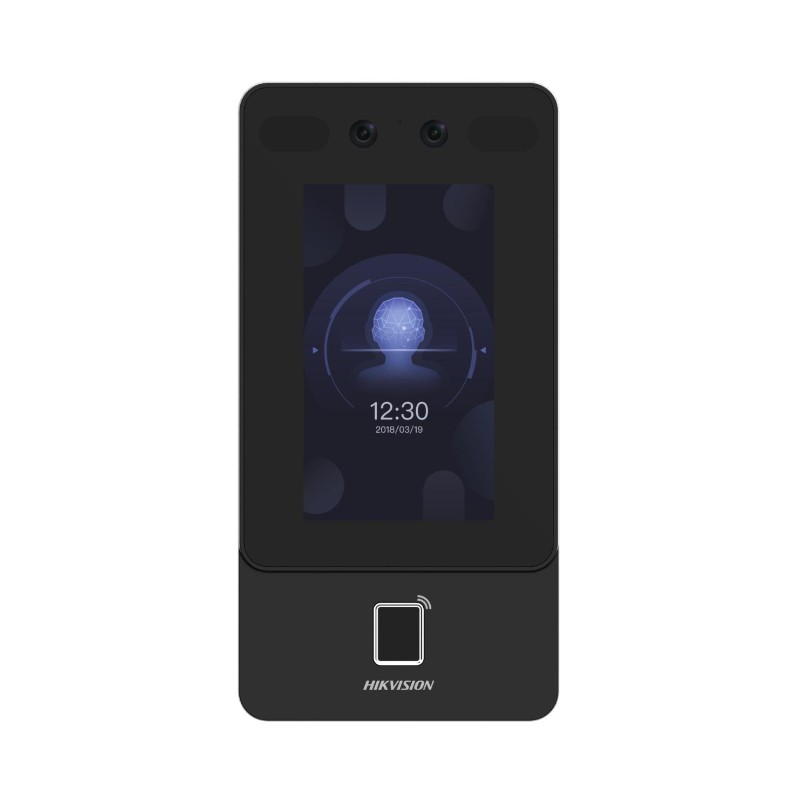
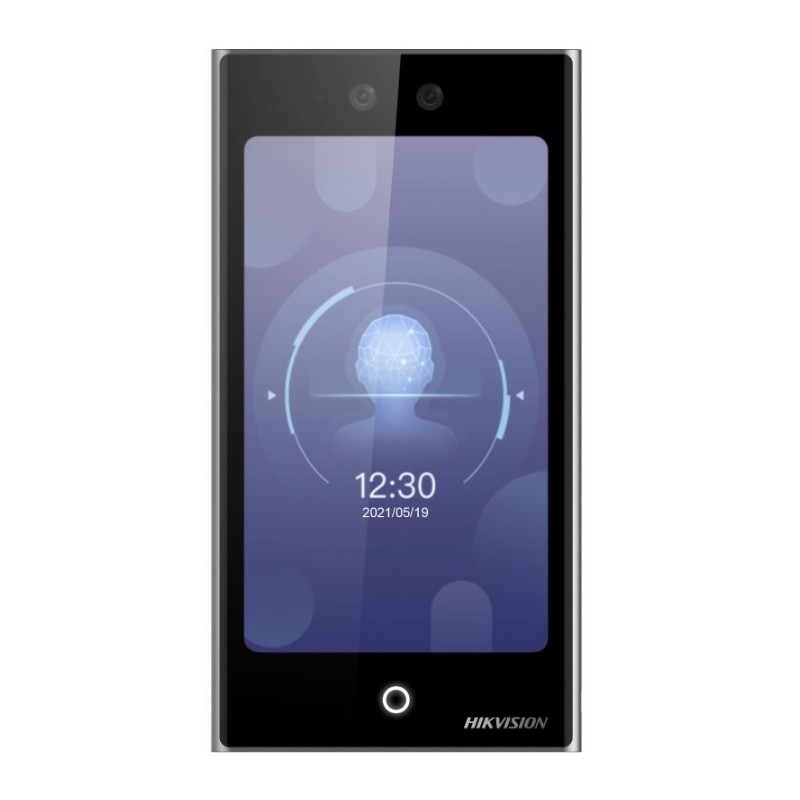
- Face recognition terminal for turnstiles
- Built-in IO output or Wiegand output to communicate with third-party turnstiles
- 7-inch LCD touch screen, 2 MP camera
- Max. 50,000 faces and max. 100,000 events
- Face recognition distance: 0.3 m to 3 m; face recognition duration < 0.2 s/user; accuracy rate ≥ 99%
- TCP/IP, Wi-Fi communication
- Remote live view via RTSP protocol
- IP65
Available Models
| Models |
DS-K5671-ZU
DS-K5671-ZU(2.8mm) |
Display
| Screen Size |
7-inch |
| Operation Method |
Capacitive touch screen |
| Type |
LCD |
Video
| Lens |
2 |
| Resolution |
2 MP |
| FOV |
HFOV = 87°; VFOV = 46° |
Network
| Wired Network |
Support |
| Wi-Fi |
Support, 2.4 G, 802.11b/g/n |
Interface
| Network Interface |
1 RJ-45, 10/100/1000 M self-adaptive |
| Lock |
1 |
| Door Contact Input |
1 |
| Alarm Input |
2 |
| Alarm Output |
1 |
| RS-485 |
1 RS-485 (half-duplex, HIKVISION) |
| Wiegand |
1 Wiegand (Hik 26bit, Hik 34bit) |
| USB |
1 |
General
| Power Supply |
12 VDC, 2 A |
| Working Temperature |
-30 °C to 60 °C (-22 °F to 140 °F) |
| Working Humidity |
10 to 90% (non-condensing) |
| Language |
English, Spanish (South America), Arabic, Thai, Indonesian, Russian, Vietnamese, Portuguese (Brazil) |
| Platform |
Hik-ProConnect and HikCentral Professional |
Function
| QR Code Recognition |
Supported. The recognized QR code image should be larger than 6 cm × 6 cm. |
Download data sheet Quick start guide User manual